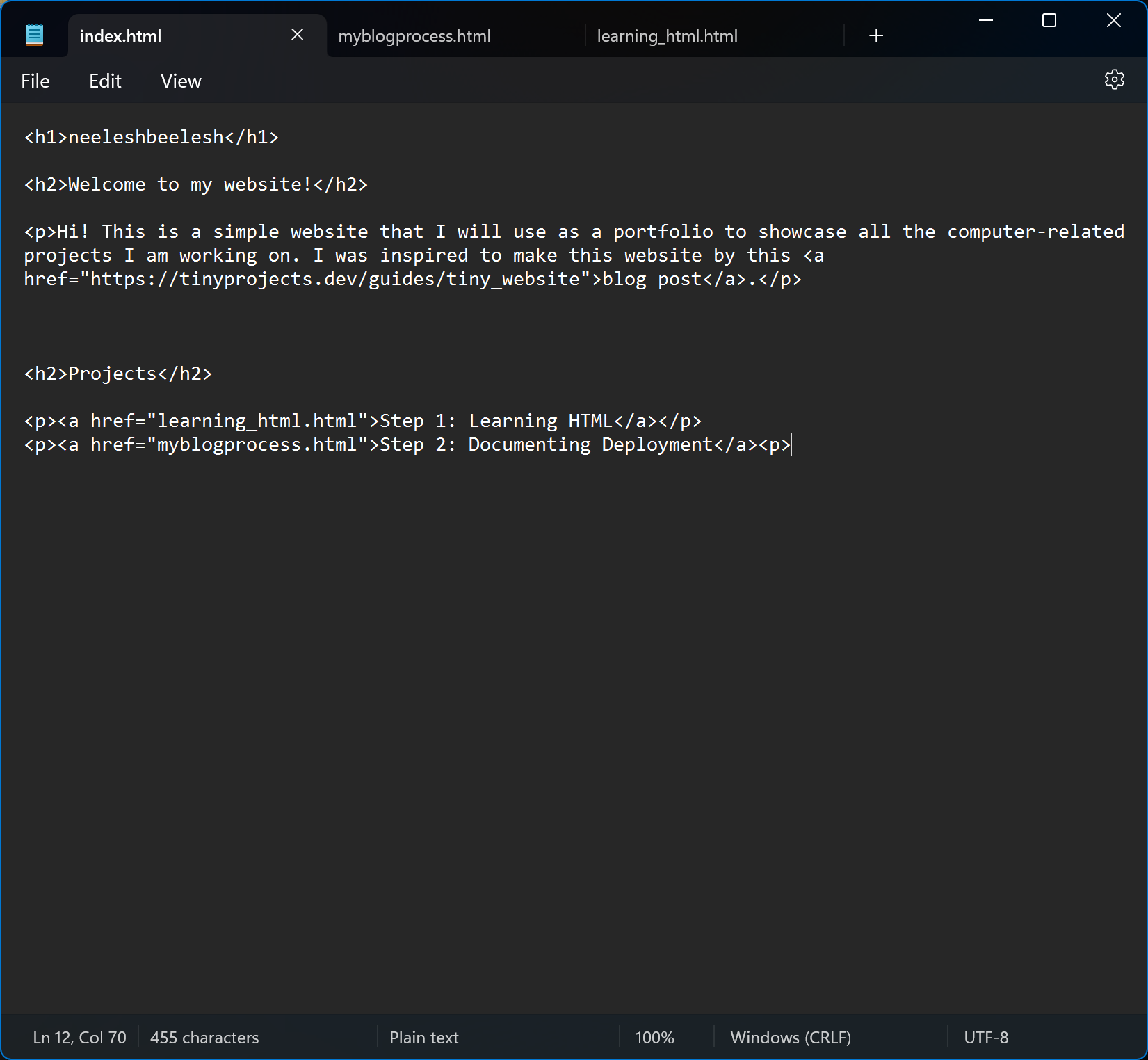
At the present moment, I am writing these blog posts in a basic text editor. This means I can't easily find the HTML tags that I am using (everything in the text editor is the same color), and it's also not possible for me to view the finished view of my HTML content until I deploy my website. Also, the date and time stamps on my posts are all manually added.
When I want to deploy the most up-to-date version of my website, I use Command Prompt on Windows to CD into the directory that contains my website files, then use the command "firebase deploy." I think this part of the process is polished enough, however I could add a button on my desktop that runs a script to automatically do this, instead of me manually using the change directory command and typing the deploy command in.
Since I now know how to add images to my blog posts, I've decided to add an image of the landing page in each subsequent post (however, I do need to make the images lower quality to make the website load faster on all connections). This will create a gallery of progress that I can look back on as my website gets more and more advanced. The first image is below.
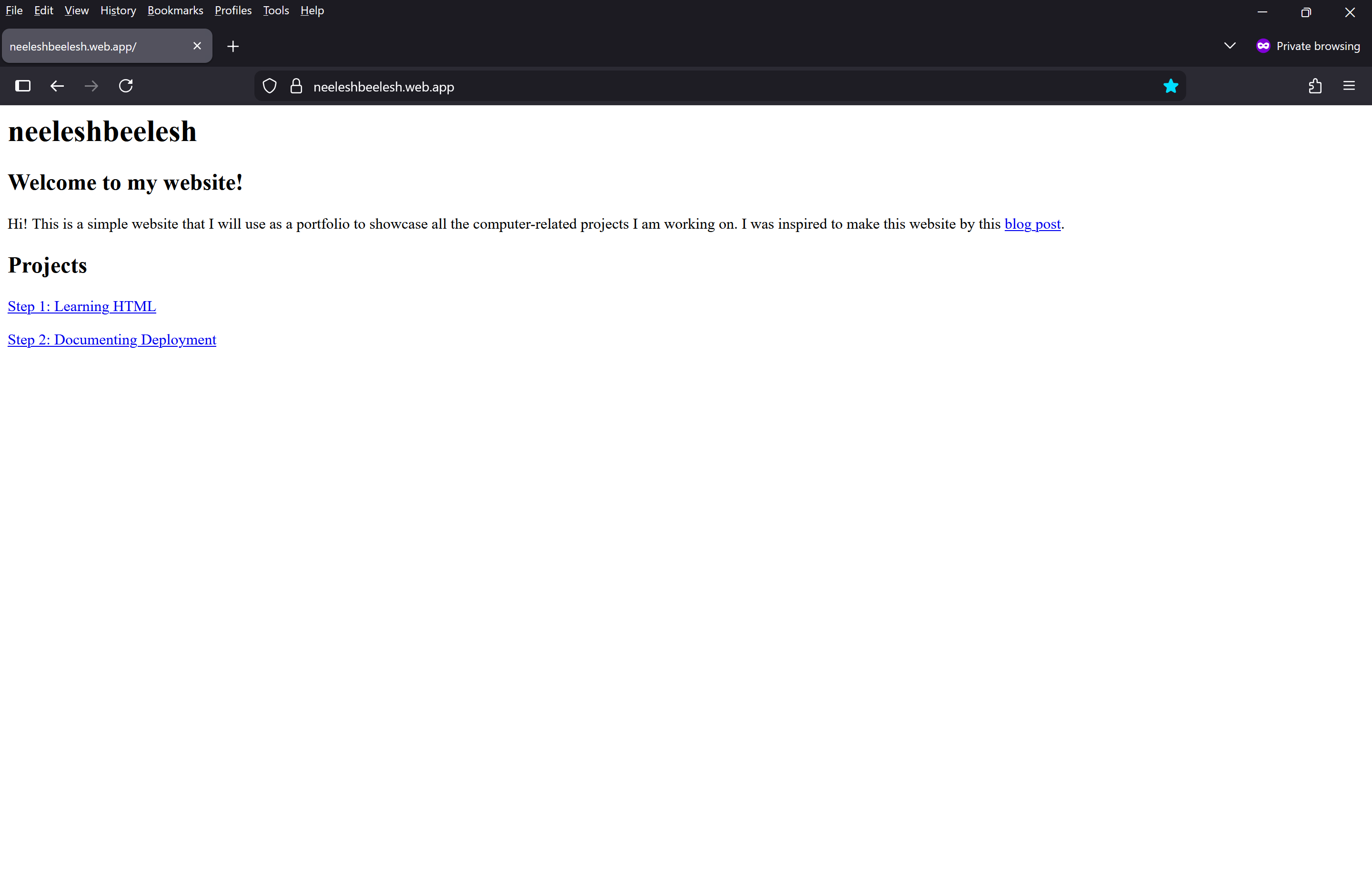 I do need to figure out how to add borders to images so that they don't blend into the white space of the webpage, but I believe that involves CSS, so I will get to that later.